Choosing a watch face can change the entire feel of a smartwatch. A simple digital display may suit a busy workday while an animated design or traditional analogue dial can make the same device feel more personal. The Facer Mod APK gives smartwatch owners a way to explore different designs and adjust their watch’s appearance without relying only on the limited options available in the device’s default settings.
Rather than treating a watch face as a small decorative feature, Facer turns customization into an activity of its own. Users can browse designs, discover creative styles and find displays that match their daily routines, personal interests or clothing preferences.
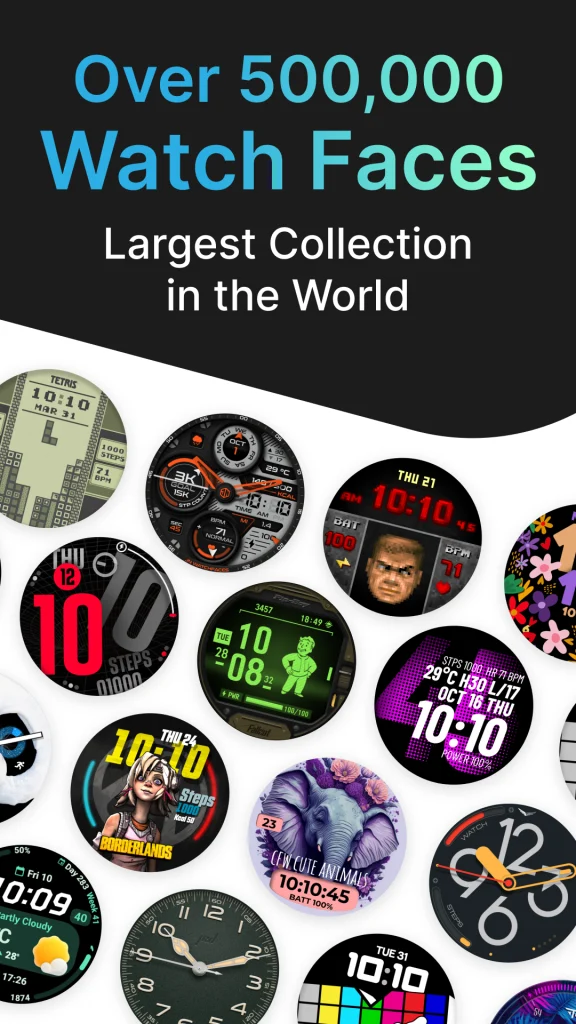
Explore Thousands of Watch Face Designs
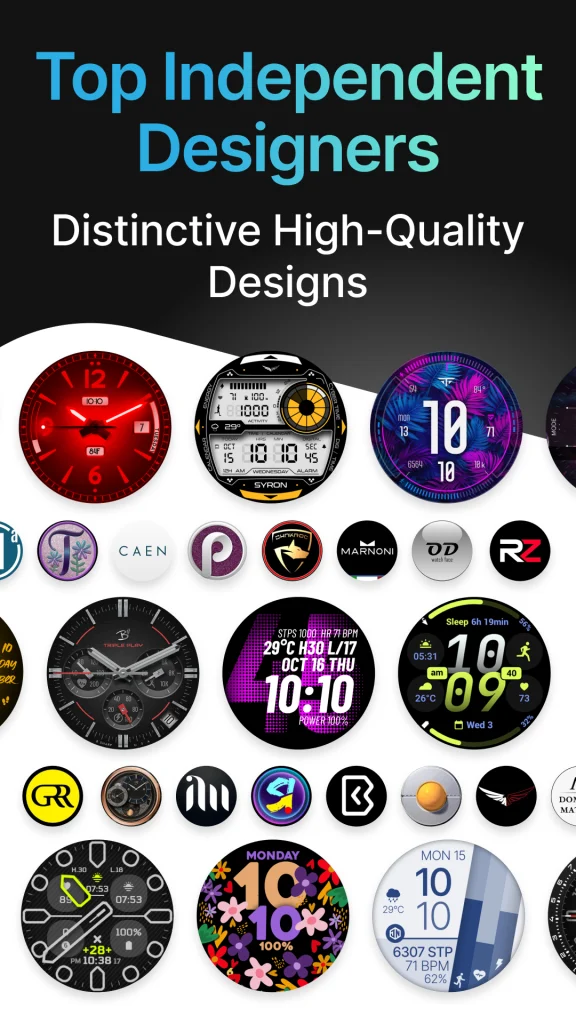
One of the main attractions of the Facer Watch Faces App is the variety of designs available through its platform. Instead of switching between a handful of manufacturer-provided layouts, users can explore watch faces created by designers and members of the Facer community.
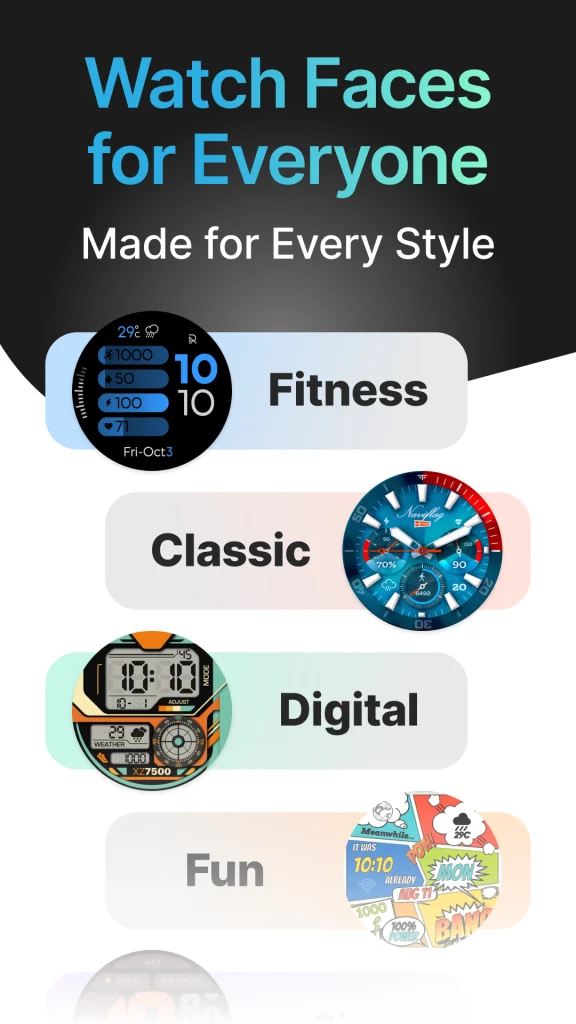
The collection includes several visual styles, such as:
- Minimalist watch faces: Simple layouts with clean numbers, limited colours and fewer visual elements.
- Classic analogue designs: Traditional clock hands, detailed dial markings and elegant backgrounds.
- Digital displays: Large time indicators with additional information arranged around the screen.
- Animated watch faces: Designs featuring movement and visual effects.
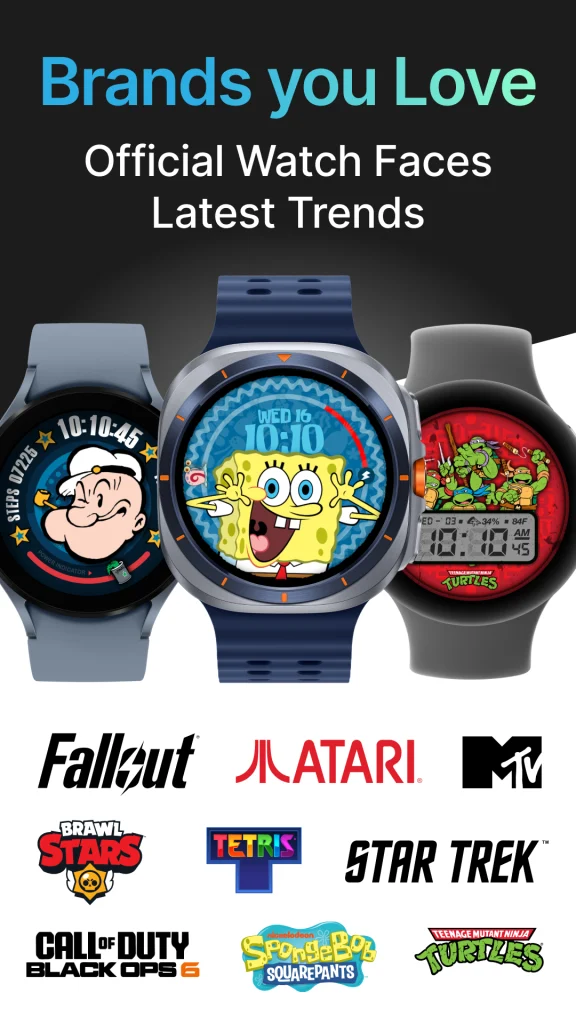
- Themed collections: Creative designs inspired by different interests, artistic styles and popular themes.
This range makes it easier to find something suitable for different situations. Someone who prefers a professional appearance might choose a restrained analogue design while a user who enjoys colourful technology-inspired artwork may prefer a more expressive digital display.
Personalise Your Smartwatch Without Changing Devices
A smartwatch is something people check repeatedly throughout the day. Its display should therefore feel comfortable and useful rather than simply attractive. Facer gives users access to customization options that can help make their watch faces feel more individual.
Depending on the selected design, available customization features may include background colours, different visual elements, time formats and information placement. Some designs offer more flexibility than others, so the level of personalization depends on the creator’s original layout.
This is particularly useful for people who enjoy changing their watch’s appearance occasionally. A darker design might work better in the evening while a brighter layout could be easier to read during outdoor activities. Users can also select designs that complement their everyday clothing or personal style.
However, customization does not mean every element can be changed on every watch face. It is worth checking the available editing options before choosing a design if specific colours or display arrangements matter to you.
Keep Useful Information Within Easy Reach
A good smartwatch display should do more than show the current time. Many users also want quick access to information such as the date, battery level and daily activity details.
Facer Mod APK includes watch face designs that can display different types of information through supported complications and data fields. These may include:
- Current date and day of the week.
- Battery percentage.
- Step count and activity information.
- Weather details where supported.
- Additional smartwatch information and shortcuts.
The exact information available depends on the watch, operating system and individual watch face. Some data fields also require compatible permissions or connected services.
When choosing a design, consider how much information you genuinely need. A display filled with several indicators may look impressive but become difficult to read at a glance. A well-organised layout that highlights the time and two or three useful details can be more practical for everyday use.
How to Find and Apply a Watch Face
Getting started with Facer is relatively straightforward, although the setup process can vary depending on the smartwatch model and operating system.
First, check whether your smartwatch is compatible with the current Facer app. The platform has supported different smartwatch ecosystems, but compatibility and installation requirements can change with software updates.
Once compatibility is confirmed, the general process involves these steps:
- Install the appropriate Facer application on your supported device.
- Open the app and explore the available watch face collections.
- Select a design that matches your preferred appearance.
- Review its customization options and adjust supported settings.
- Follow the device-specific instructions to apply the selected watch face.
- Check the smartwatch display to confirm that everything appears correctly.
If a design does not appear on the watch immediately, check the phone connection, app permissions and synchronization status. Restarting the relevant application may also help resolve temporary connection problems.
Free and Premium Designs: What Should You Consider?
Not every watch face requires a purchase. Facer offers free designs alongside premium content, giving users the opportunity to explore different styles before spending money.
Free designs are a sensible starting point for someone who is new to smartwatch customization. They provide an opportunity to understand the platform, compare layouts and discover which features are most useful.
Premium designs may appeal to users looking for particular artistic styles or exclusive creations. However, purchasing a watch face does not automatically make it more practical or compatible with every device.
Before paying for a design, check its supported smartwatch models, customization features and any additional requirements. Also review the current subscription or purchase conditions within the app, as pricing and access arrangements can vary by platform and region.
Battery Life and Performance Are Worth Considering
A visually impressive watch face is not always the best choice for everyday use. Animated backgrounds, frequent updates and additional information fields may affect battery consumption depending on the smartwatch hardware and software.
For people who depend on their smartwatch throughout the day, a lightweight design with a clear display may be a better option. Always-on display settings can also influence battery performance, particularly when a watch face contains bright colours or complex visual elements.
Another consideration is readability. Small text, decorative backgrounds and crowded information panels can make it harder to check the time quickly. Choosing a design with good contrast and clearly organised elements can improve everyday usability. You can also download VivaVideo Mod APK.
Is Facer Mod APK Suitable for Every Smartwatch Owner?
Facer is particularly appealing to people who enjoy personalising their technology. It offers more creative choice than simply keeping the same manufacturer-provided display and makes discovering new watch face designs part of the smartwatch experience.
However, it may not be necessary for everyone. Users who are happy with their existing watch faces or prefer a simple display may not need an additional customization platform. Those using older or unsupported smartwatch models should also verify compatibility before installation.
For creative users, smartwatch enthusiasts and people who enjoy regularly refreshing their device’s appearance, Facer provides an interesting collection to explore.
The best approach is to start with a free design, check how comfortably it displays information and observe whether it suits your everyday routine. A watch face should reflect your personal style while keeping essential details easy to access. When appearance and practicality work together, even a familiar smartwatch can feel like a more personal device.